
How to use / 10 steps
Meet the popup.
Scroll to press every control and see exactly what it does.
How to use / 10 steps
Meet the popup.
Scroll to press every control and see exactly what it does.
- 01Boost All
- 02Reset All
- 03One slider per tab
- 04A menu for each tab
- 05Reset to 100%
- 06Mute one tab
- 07Settings
- 08Max boost
- 09Bass and Voice
- 10Sound shaping
Scroll
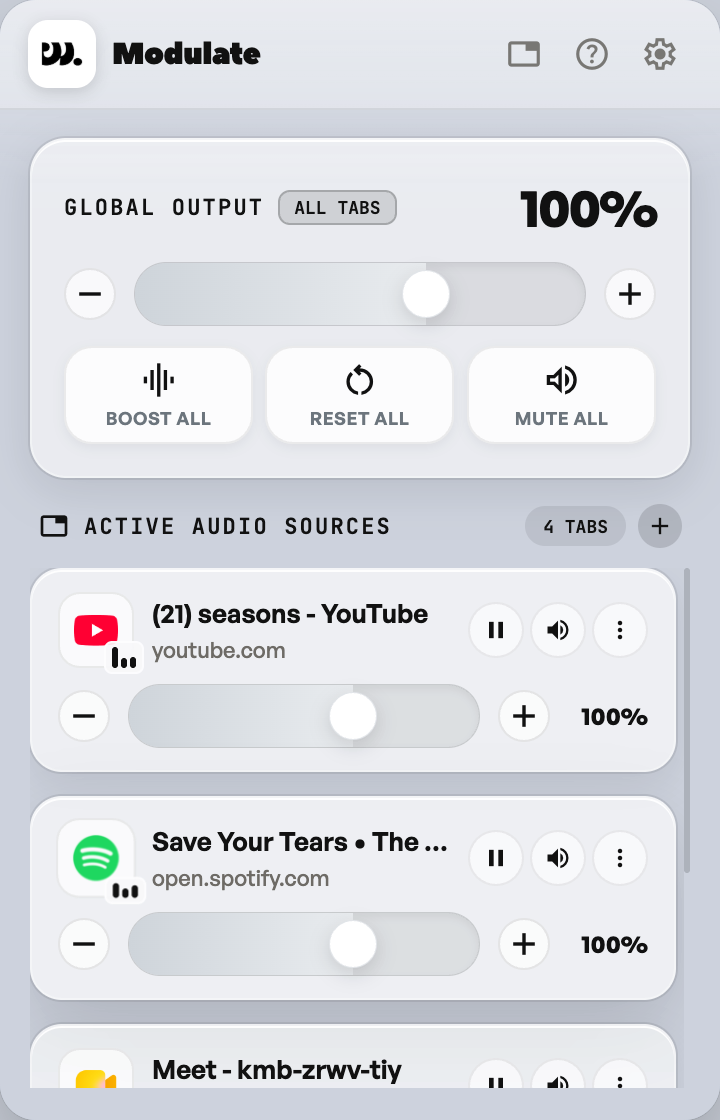
Boost All
Reset All
One slider per tab
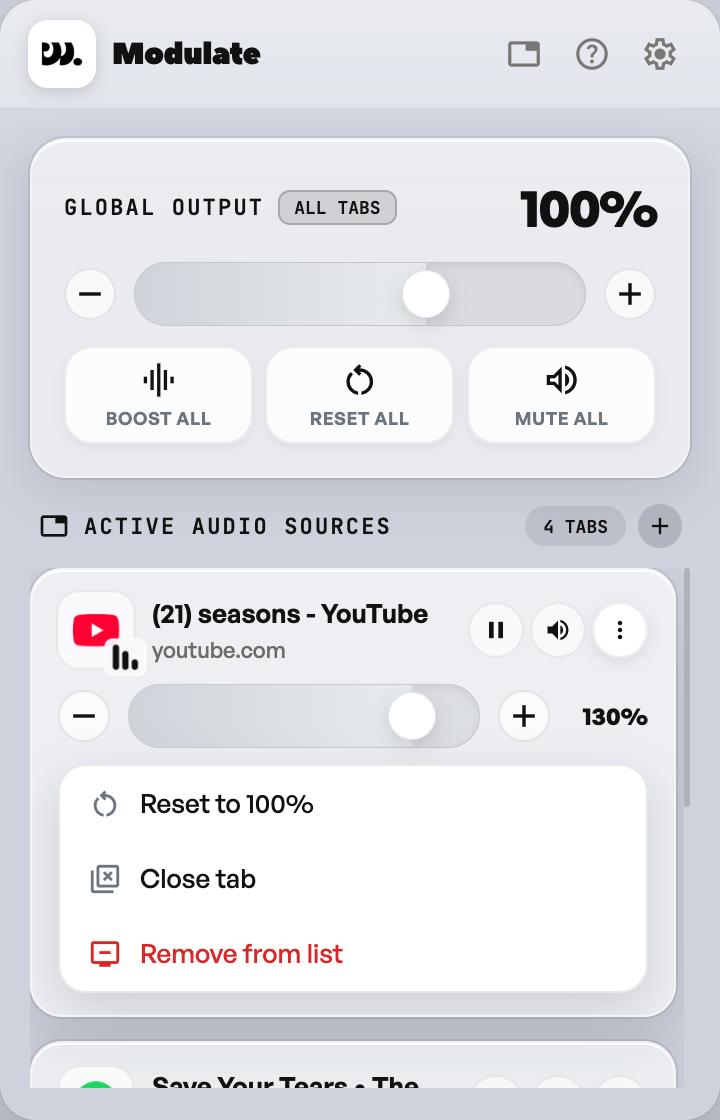
A menu for each tab
- Reset to 100%
- Close tab
- Remove from list
Reset to 100%
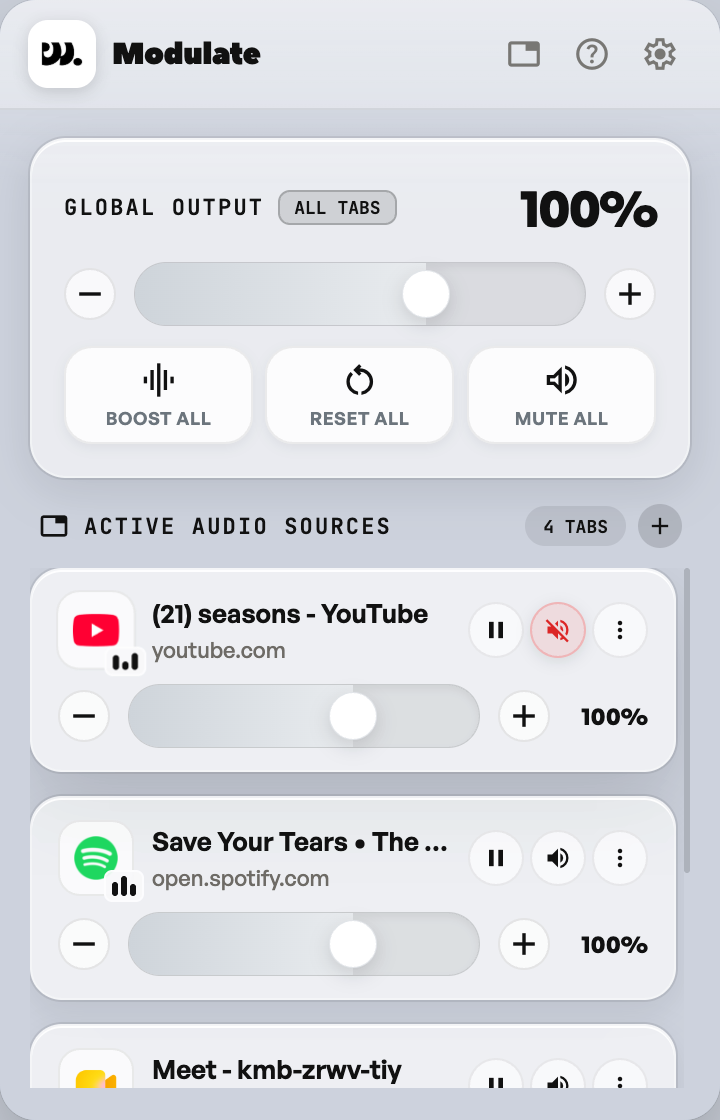
Mute one tab
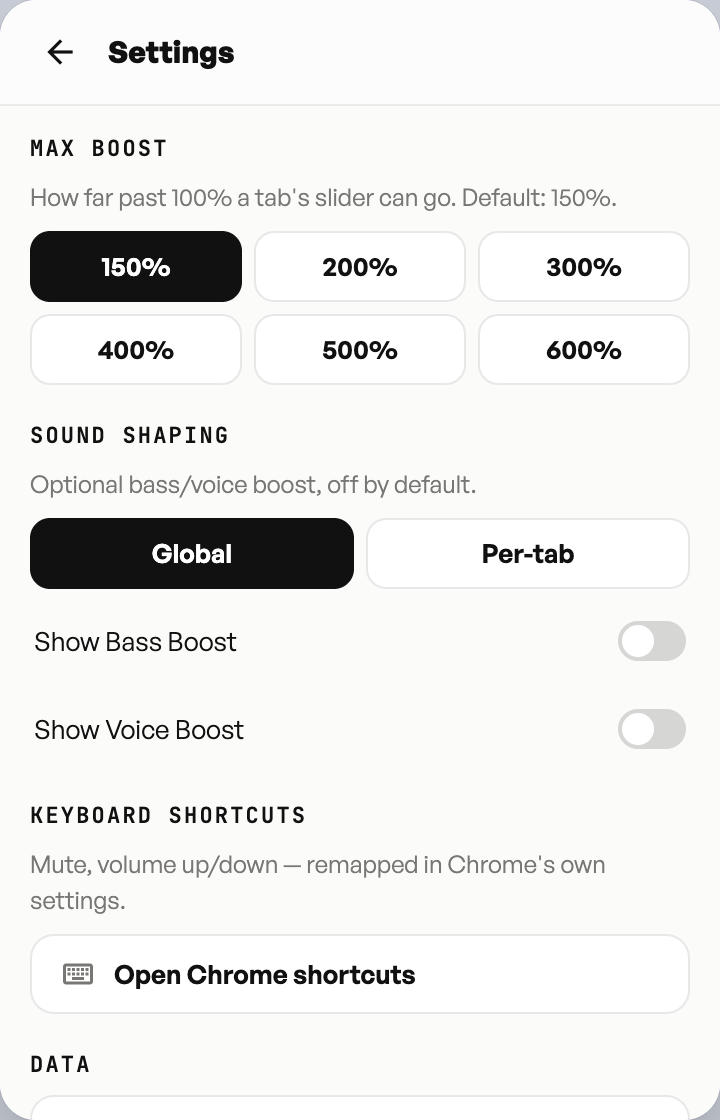
Settings
Max boost
Bass and Voice
- Show Bass BoostOffOn
- Show Voice BoostOffOn
Sound shaping
- Bass-120 dB+12 dB
- Voice-120 dB+12 dB
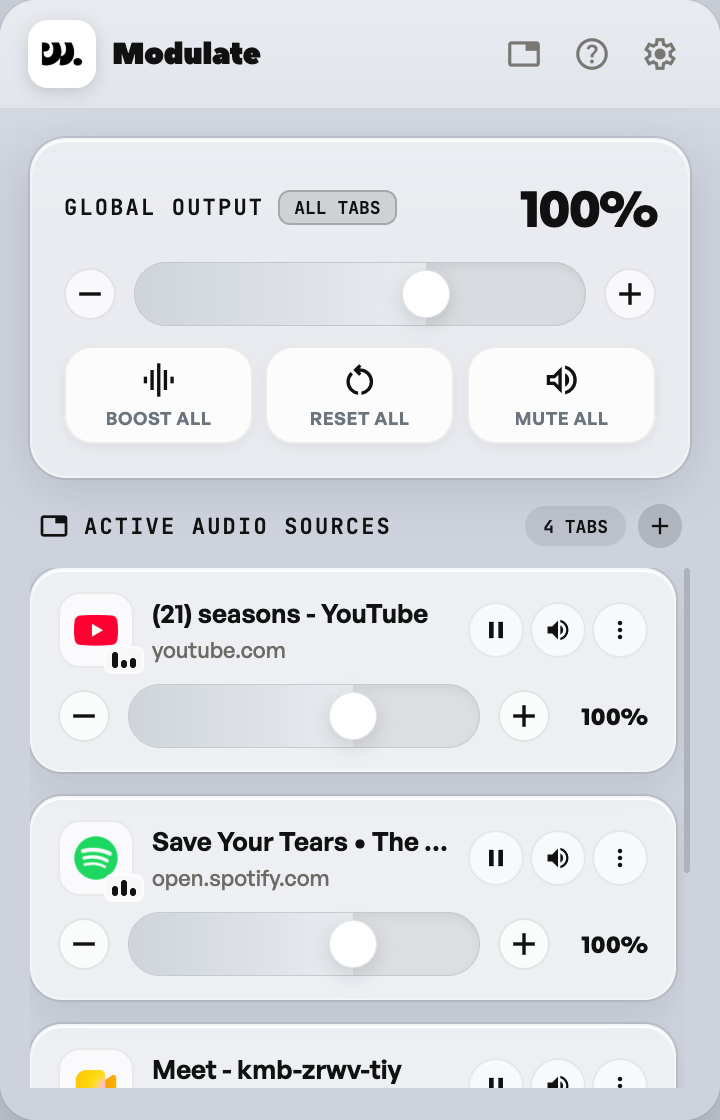
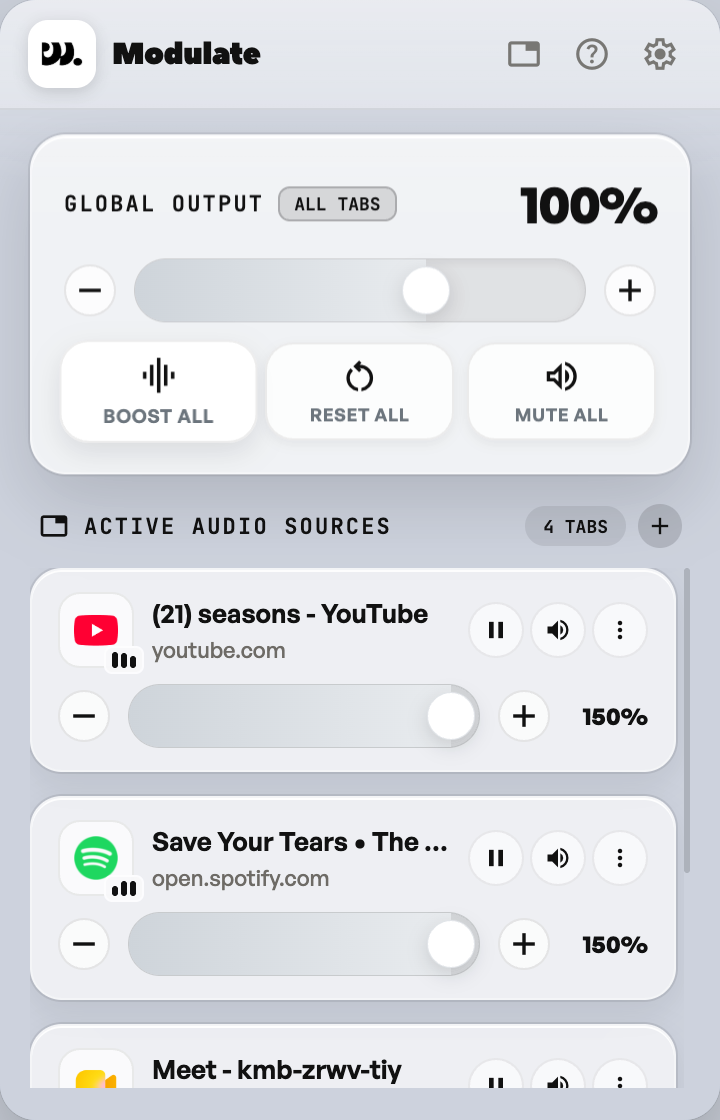
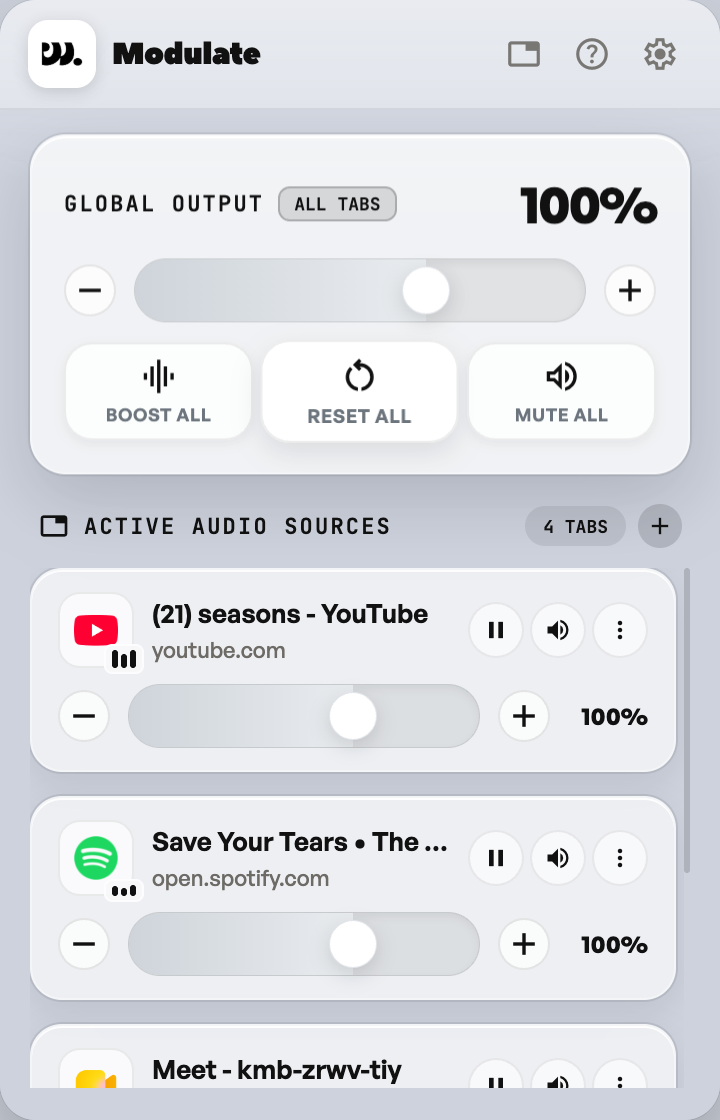
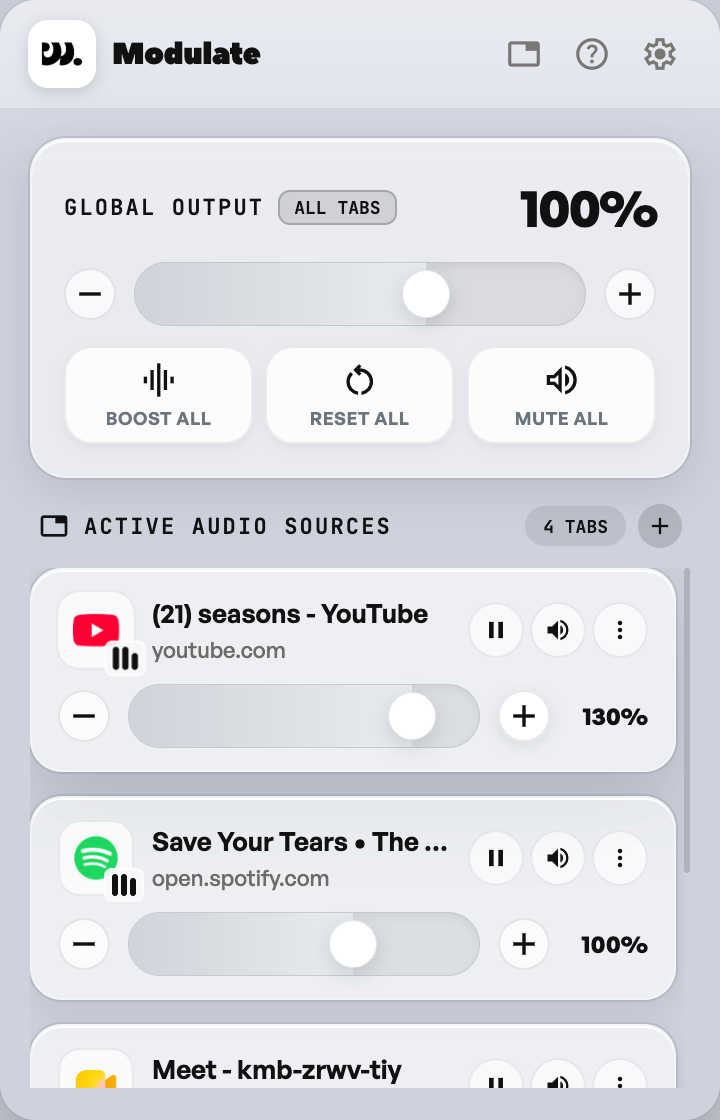
- 01
Boost All
Input Press Boost All.
Output Every tab, in one press.
- 02
Reset All
Input Press Reset All.
Output Every tab back to its default.
- 03
One slider per tab
Input Press + on one tab, or drag its slider.
Output Only that tab moves. The rest stay put.
- 04
A menu for each tab
Input Open that tab’s menu.
Output Everything you can do to just that tab.
- 05
Reset to 100%
Input Choose Reset to 100%.
Output One tab snaps back. Bass and Voice go flat too.
- 06
Mute one tab
Input Press the speaker.
Output One tab goes silent. The rest keep playing.
- 07
Settings
Input Press the gear.
Output Slides over the mixer. No new page.
- 08
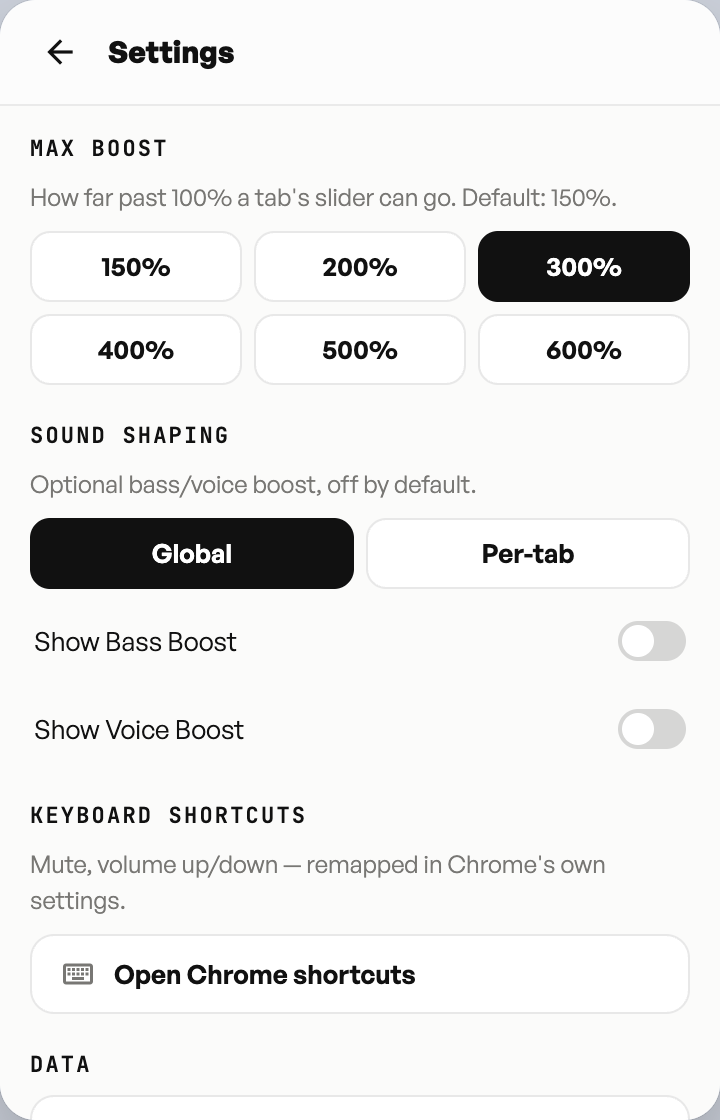
Max boost
Input Pick a Max boost: 300%.
Output Tab sliders can now reach 300%.
- 09
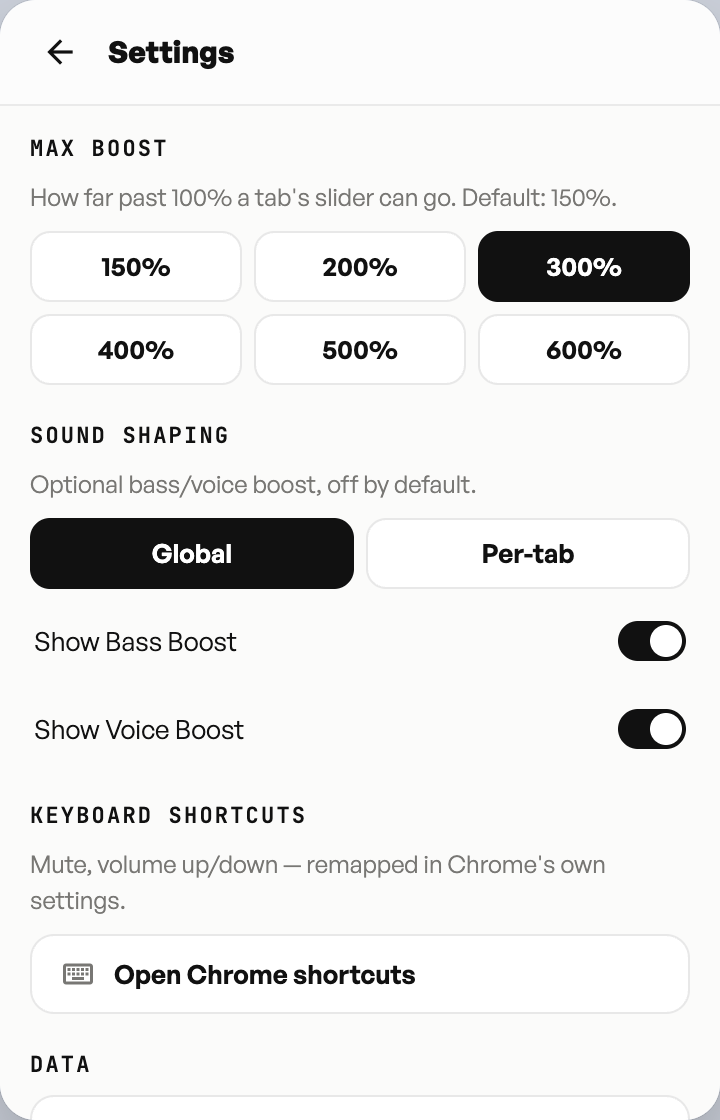
Bass and Voice
Input Switch on Bass Boost and Voice Boost.
Output Both switch on and join the mixer.
- 10
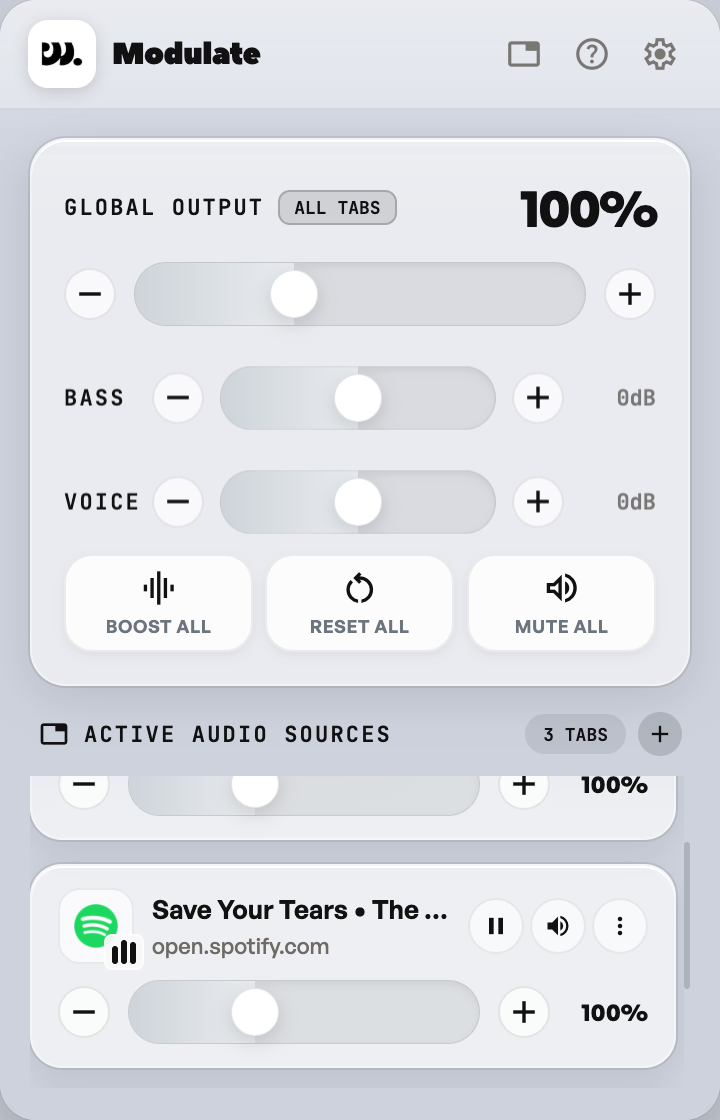
Sound shaping
Input Go back to the mixer.
Output Each runs from -12 to +12 dB, starting flat at 0.